Coming soon
Rosi Desktop
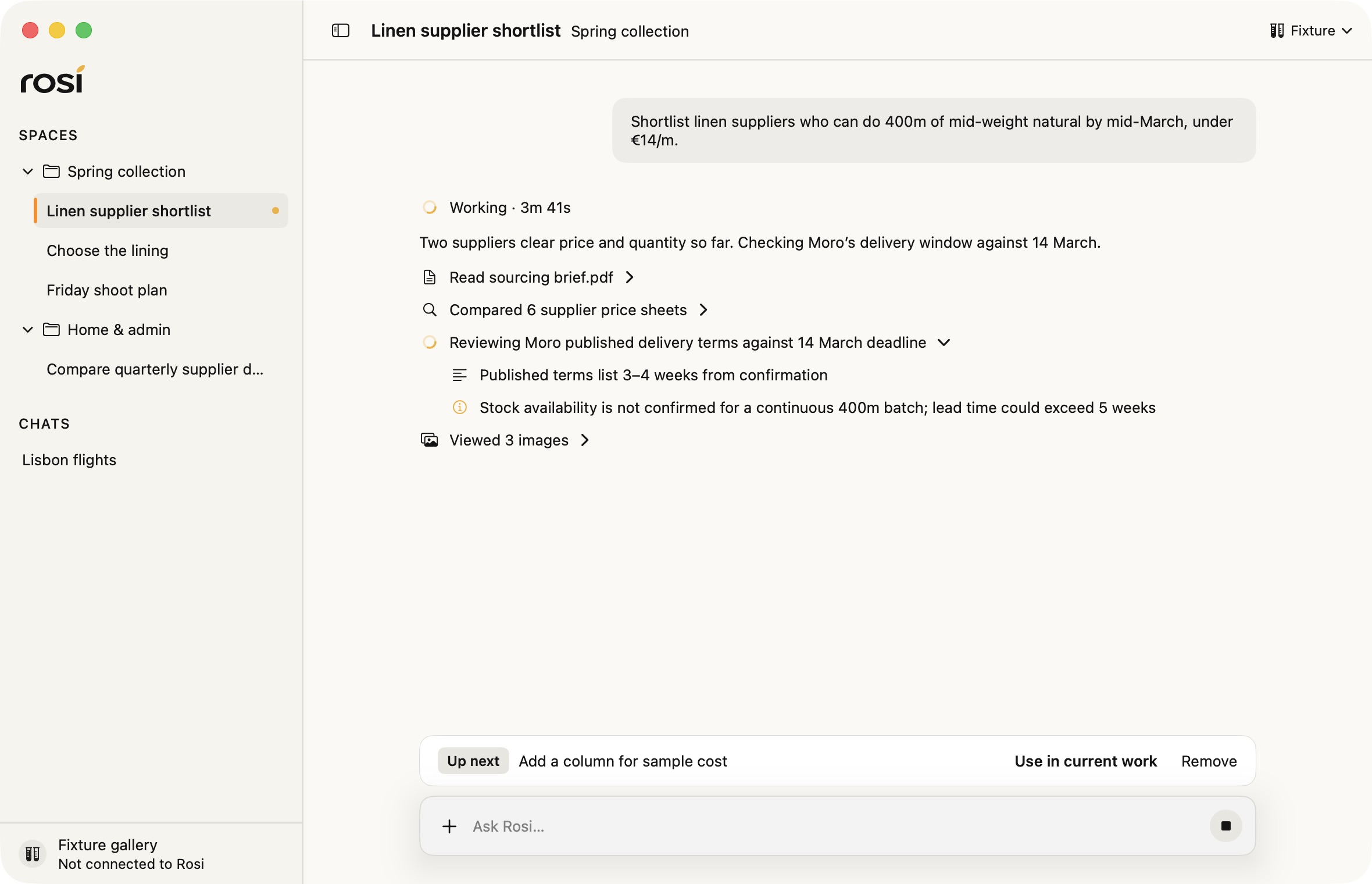
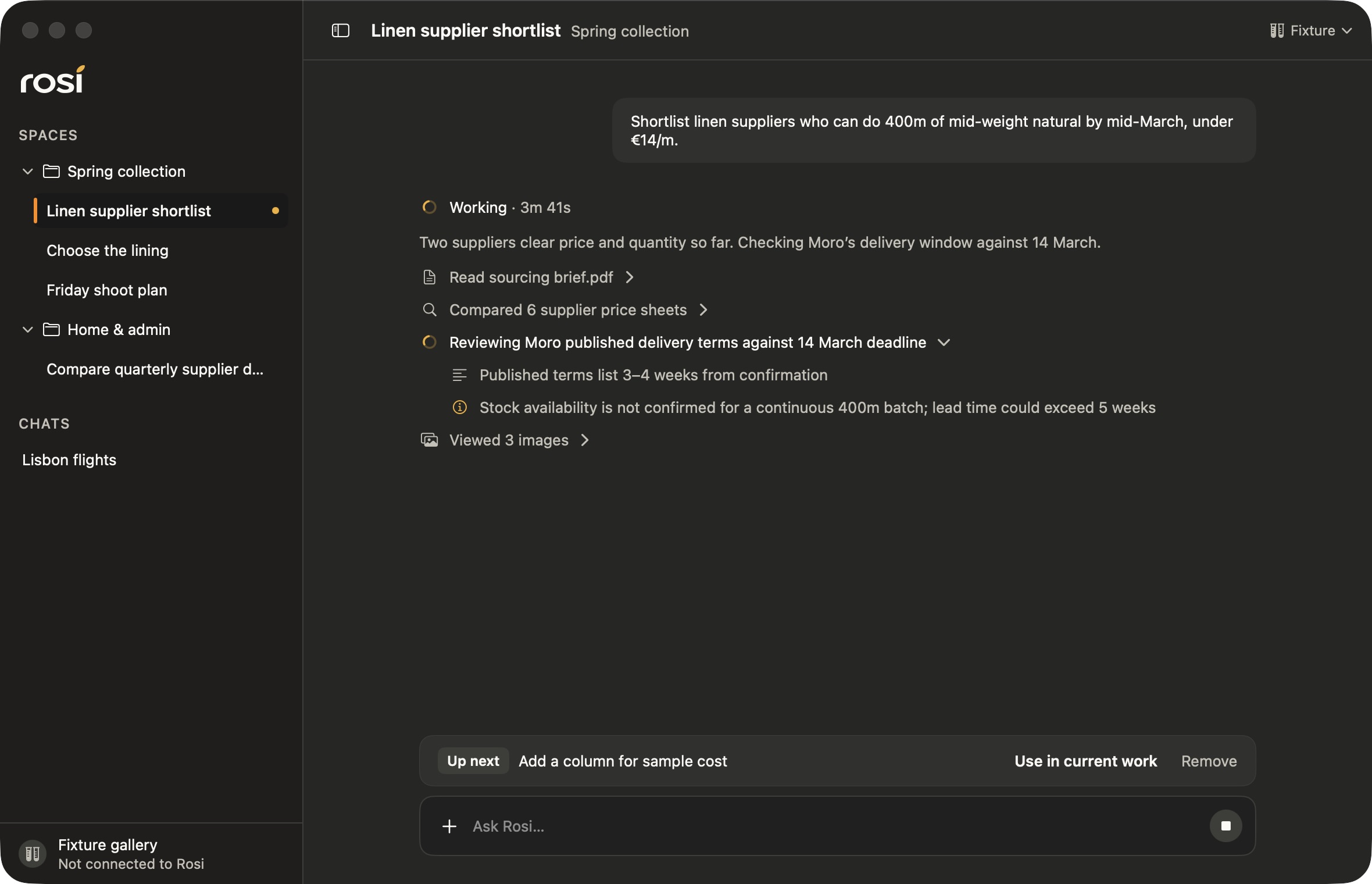
Talk with Rosi in its own Mac window, keep ongoing work organized in spaces, and follow each step as Rosi works.
 Rosi Agent for Mac
Rosi is your personal AI assistant, running on your own Mac. Rosi Desktop and Rosi for iPhone are coming soon, with Telegram alongside them. Rosi reaches a catalog of 1,000+ services, searches the live web, learns how you work, and follows through well beyond a one-off answer.
No card for the trial · macOS 14 or later · Already subscribed? Download Rosi Agent
One message is enough
No dashboards to manage and no special language to learn. Start with what is on your mind, and Rosi tells you what it did.
Tomorrow is packed. Move my gym reminder, send me a morning brief, and find the deck from last week.
Rosi
Done. Your gym reminder is at 6:30, your morning brief will arrive at 7, and I found the deck in your Downloads folder.
Why Rosi
Rosi acts across the services you already use, finds current information, and carries context into tomorrow, so a conversation can become ongoing work.
Connect the services you already use, from Instagram, LinkedIn, Slack, and Notion to Google Drive, Docs, Supabase, Convex, and ClickUp. Ask naturally; Rosi finds a relevant capability and tells you when access is needed. Available actions and permissions vary by service.
How Connected Apps workLatest news, product comparisons, companies and people, the weather, or a whole website crawled on demand into source-backed answers.
Journals, ledgers, lasting memories, project context, and scheduled briefs that build on what came before.
Rosi learns your preferences and routines. Create reusable skills for the way you work; they remain fully yours.
Rosi explores several lines of inquiry at once, weighs the evidence, and gives you a clear synthesis of a complex topic instead of a list of links.
Rosi runs on your Mac. You choose which permissions to grant and can see and edit what it remembers.
Privacy notice Rosi Agent
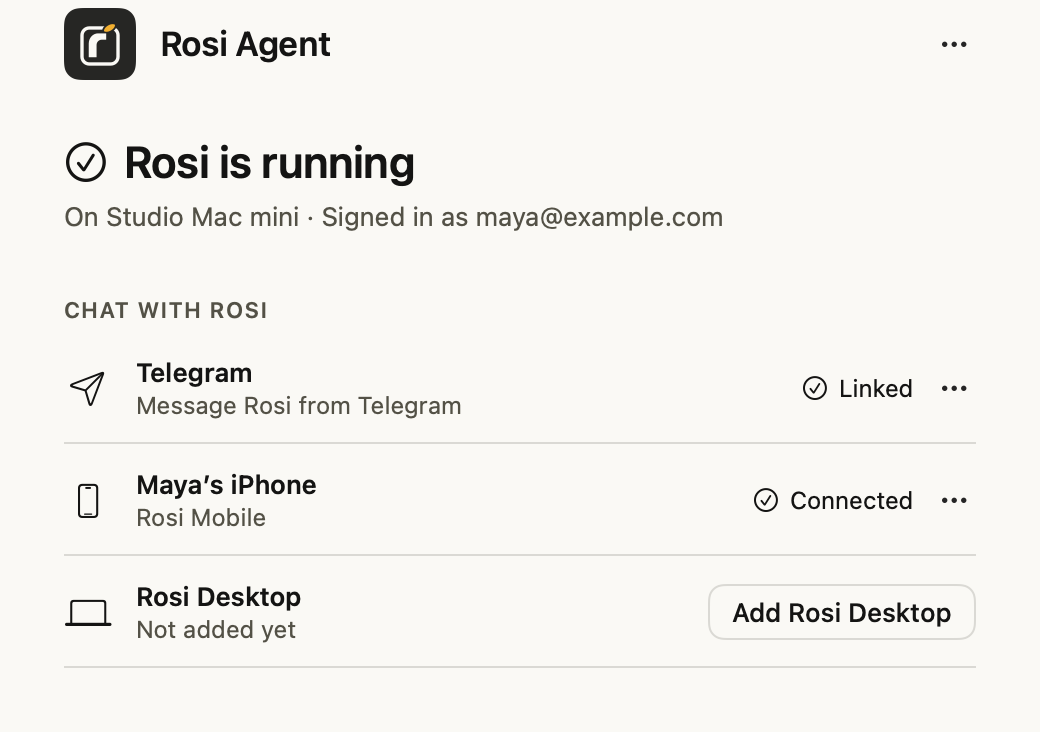
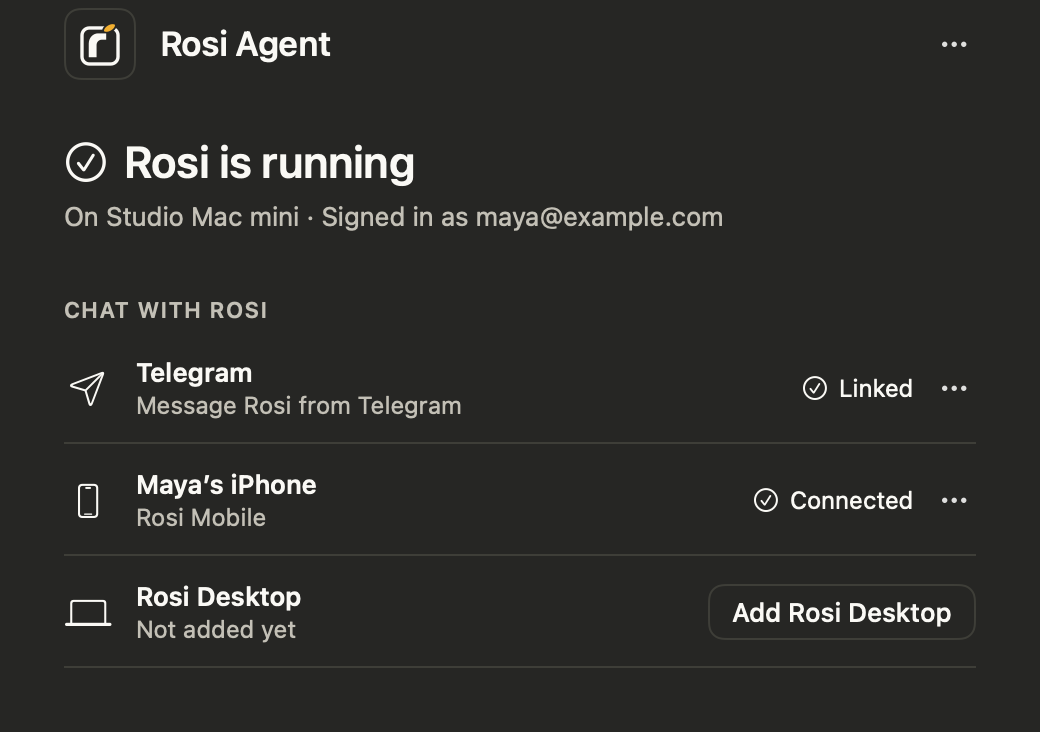
Rosi Agent runs your assistant on your own Mac. It keeps Rosi signed in and ready, and shows every place you can reach it.
Native apps
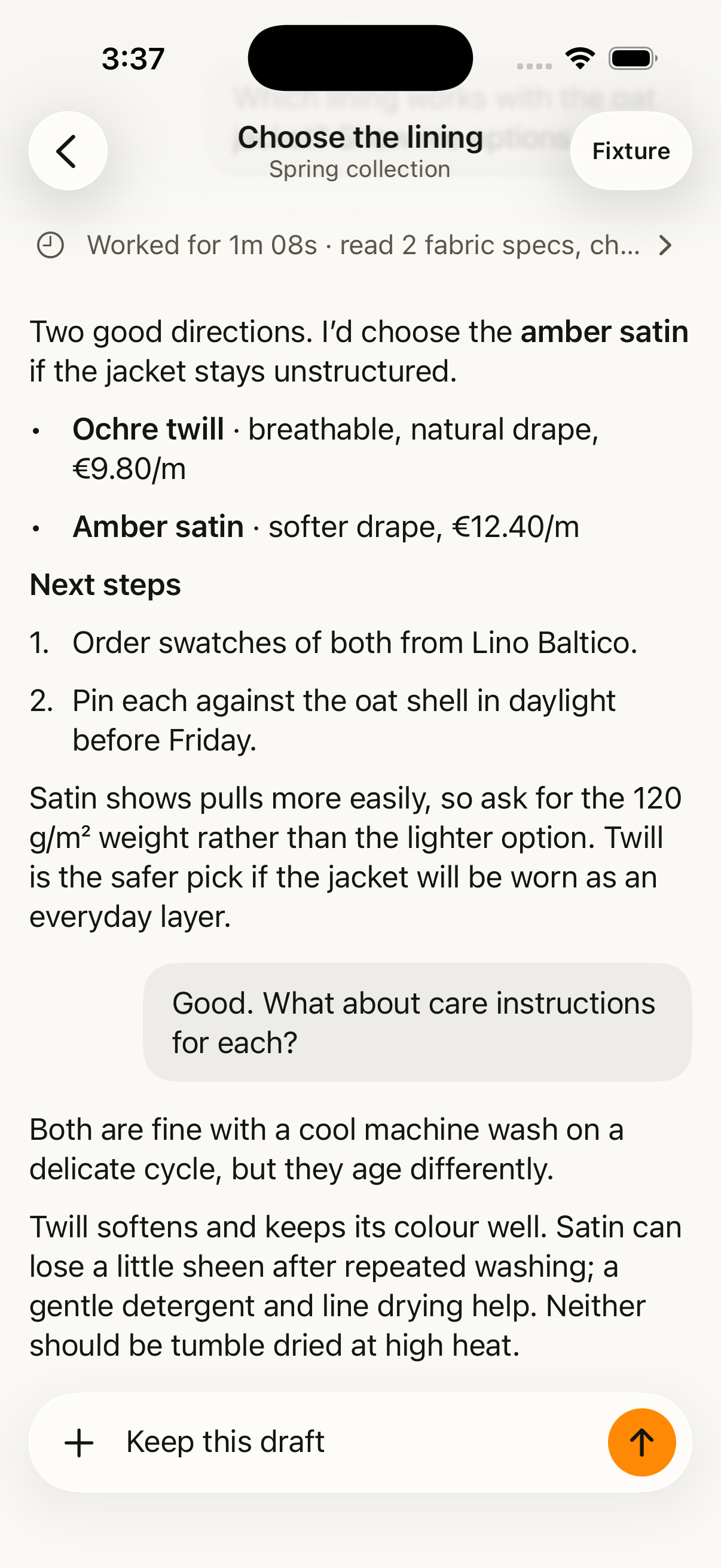
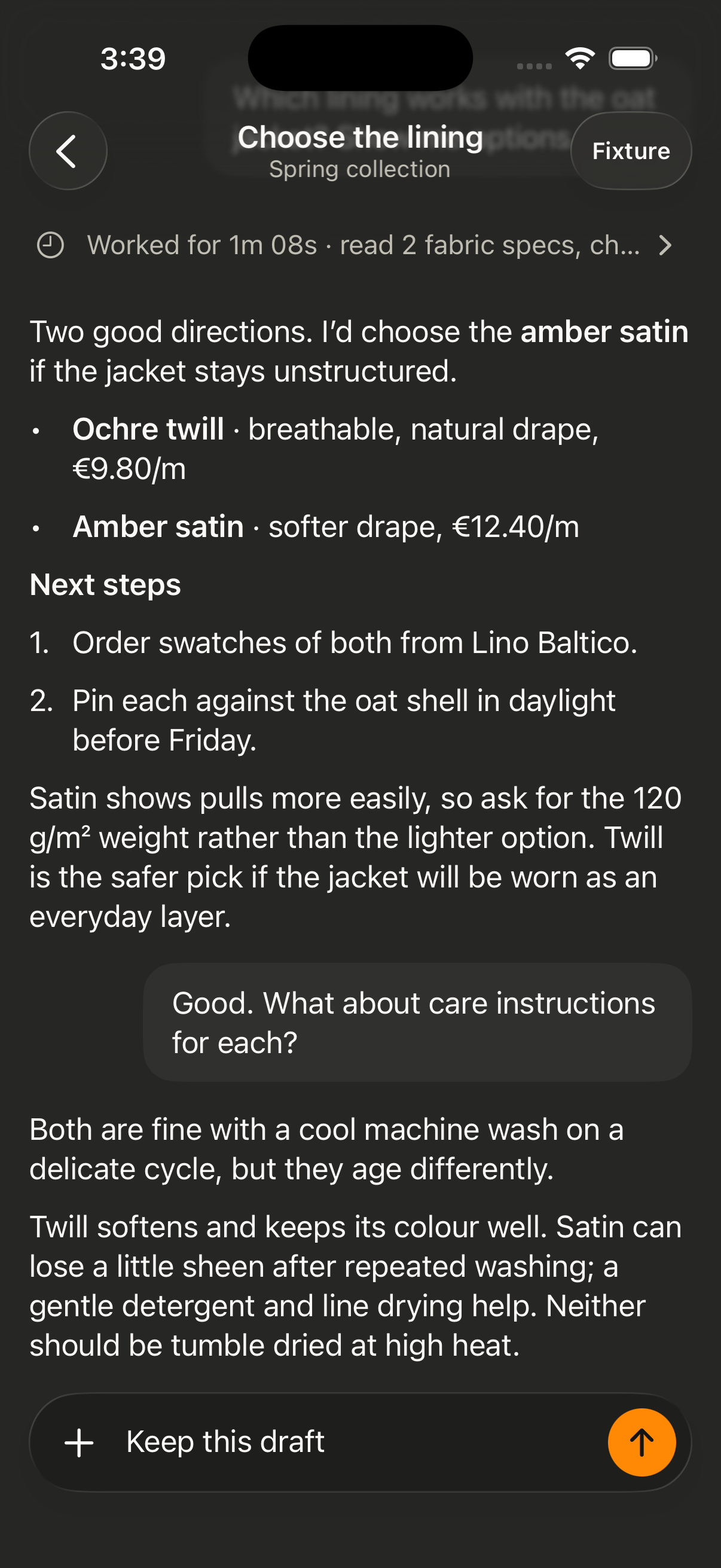
Rosi Desktop and Rosi for iPhone bring your conversations with Rosi into native apps, on your Mac and in your pocket. Telegram keeps working alongside them.
Talk with Rosi in its own Mac window, keep ongoing work organized in spaces, and follow each step as Rosi works.
Rosi in your pocket, with the same conversations and context wherever you are.
Android will follow.
Connected Apps
When a task needs an account, Rosi sends a secure Rosi link in your chat. You review the access, continue through the service’s sign-in, and return to the same conversation. Connected Apps are powered by Composio.
See the connection and privacy detailsGetting started
Request a 7-day trial with no card and we’ll email you the next steps, or subscribe with the email you want to sign in with. We’ll activate it and send your access email.
Request a free trialOnce your access email arrives, download Rosi Agent, install it on a Mac with macOS 14 or later, and sign in with the same email.
Download for MacMessage Rosi from Telegram, talk naturally, and add connections when a task needs them. The setup guides walk you through it.
Setup guides
Seven full days, no card required. Subscribe whenever you are ready.